
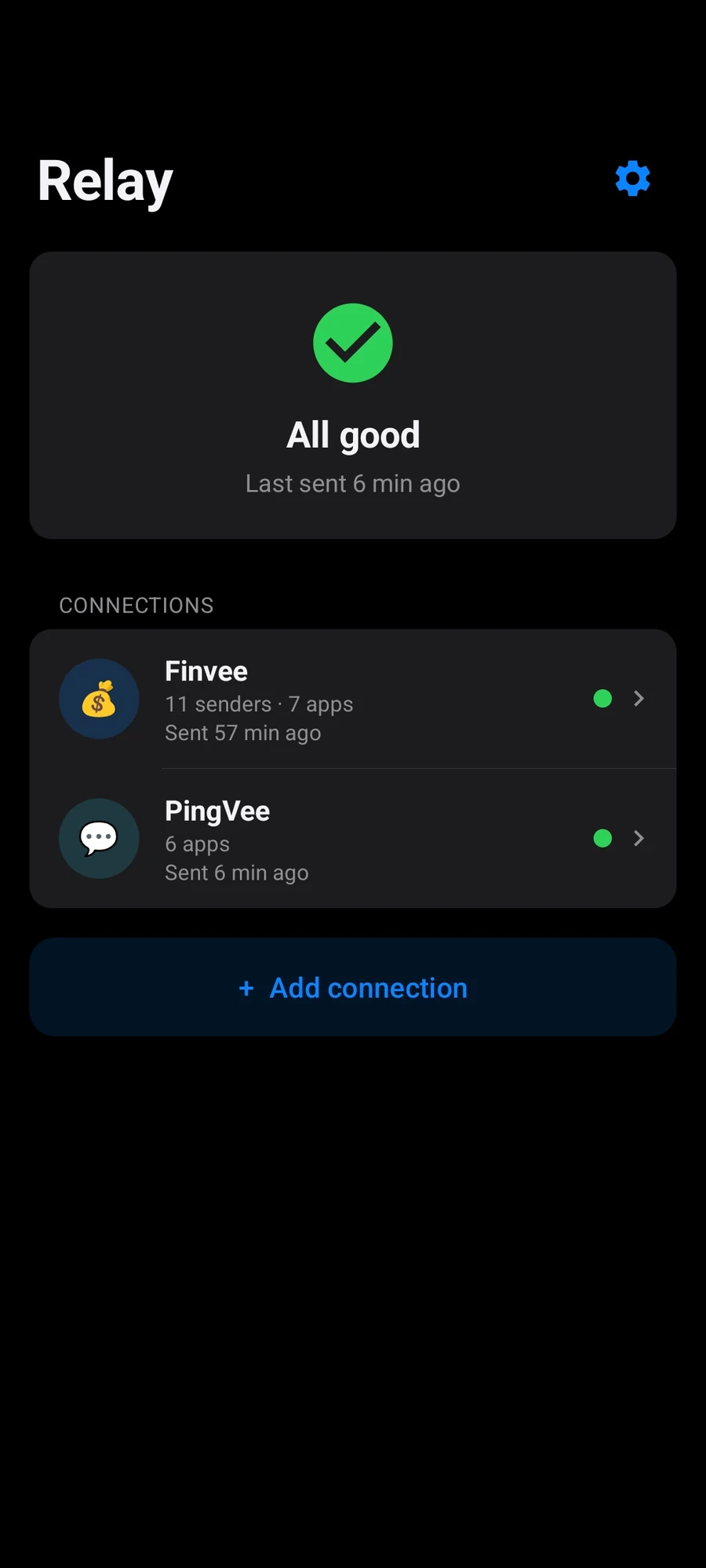
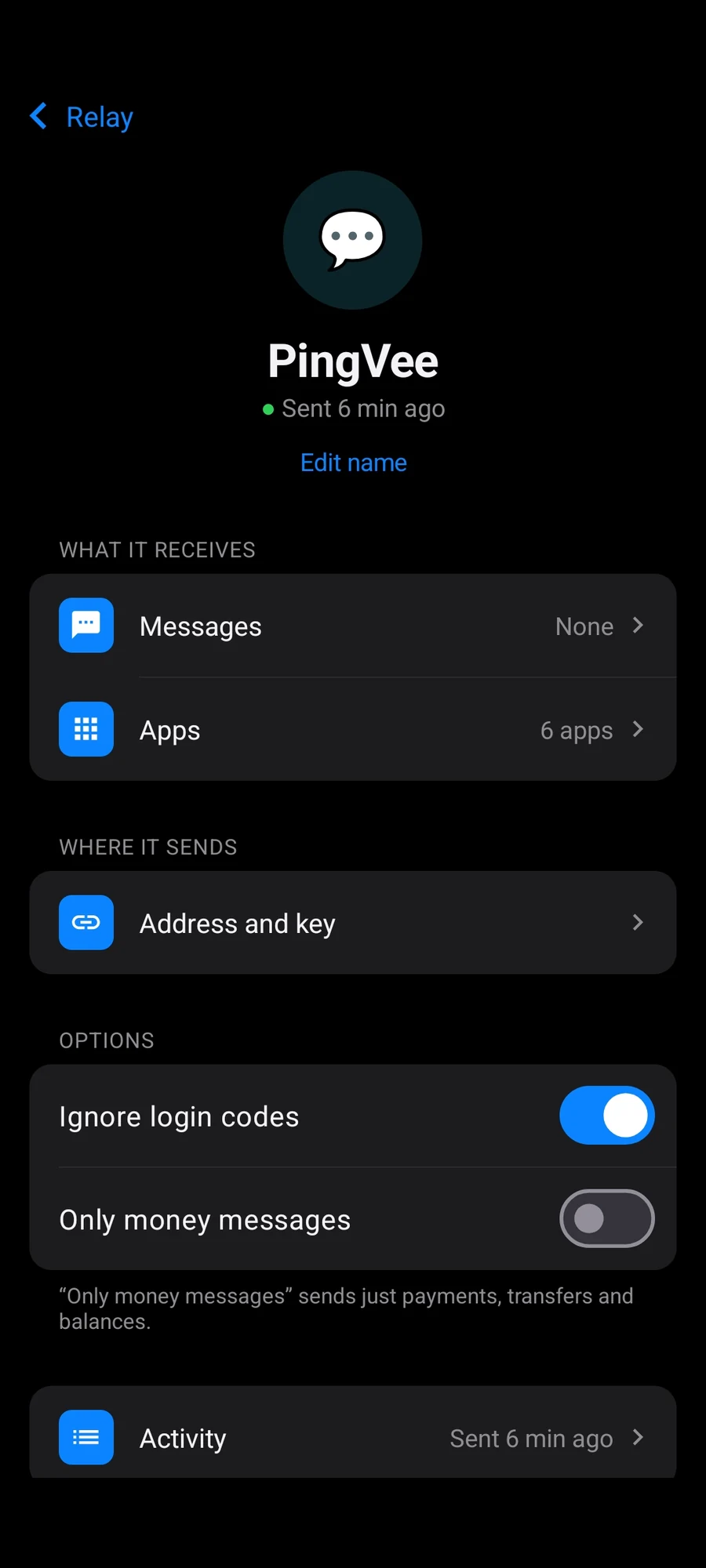
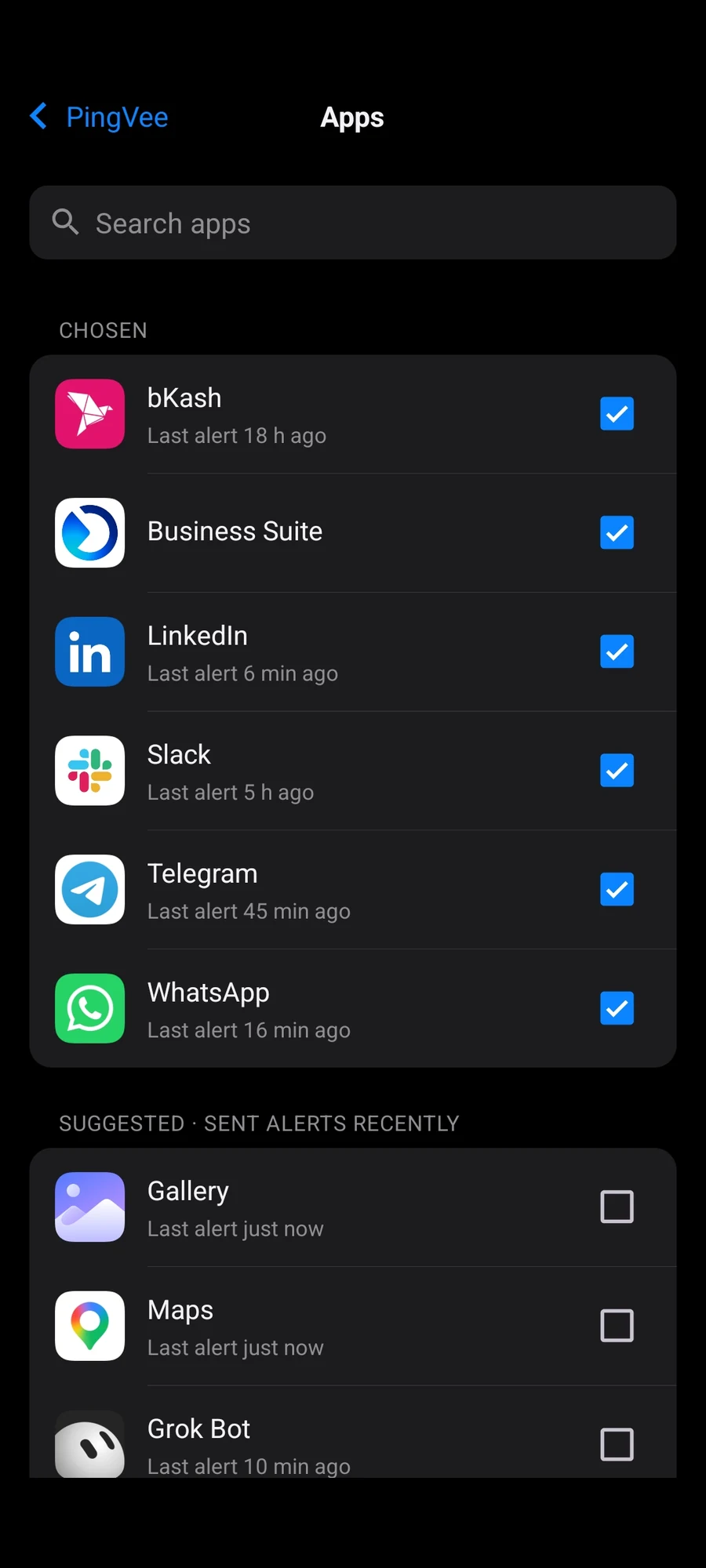
Connect Grok to Relay.
- 1
Install Relay
Download it and open the file. Allow unknown apps when Android asks. If Relay shows Finish phone setup, tap it and allow SMS and notifications.
- 2
Send this to Grok
Grok replies with a Relay setup link.
I'm using an Android app called Relay. It sends my text messages and app alerts as JSON to a webhook. Create a webhook endpoint for it and a key. Then give me a Relay setup link (relay://connect?...), or the https:// address, the header name and the key. Tell me if I need the Bearer prefix. Confirm when my first test message arrives.
- 3
Paste it in Relay
Tap Add connection, then Paste setup link. Tap Test connection, then Done. If Grok gave you an address and key instead of a link, type those in.
Need more help?
The full guide covers Xiaomi settings and fixes.